
A selections library that grows with you.
Stop pasting product specs into spreadsheets. Paste a link, get a full selection: image, specs, price, and all. Reuse what you love across every project, with smart duplicate detection and price tracking built in.
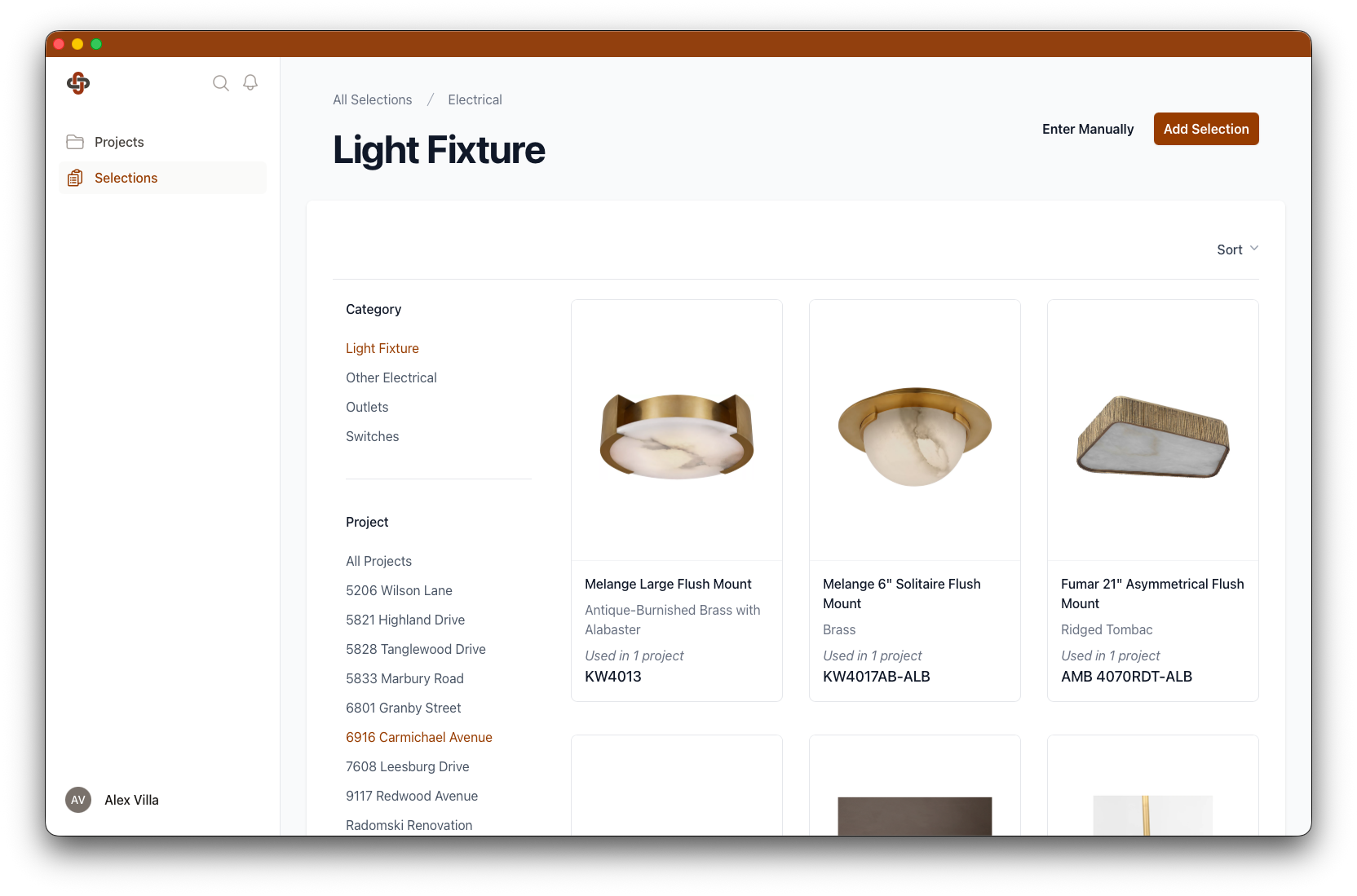
AI Import
From a link to a fully built selection
Paste a product link. Our AI grabs the image, description, specs, and price. Brand and model number, too. Bulk import a vendor catalog and skip the copy-paste entirely.
- Single-link import.
- One paste pulls image, description, specs, and pricing into a structured selection.
- Bulk catalog import.
- Drop a spreadsheet of links and let the AI populate everything in the background.
- Filter and reuse.
- Slice your library by brand, category, or past project. Find the kitchen faucet you used twelve months ago in seconds.
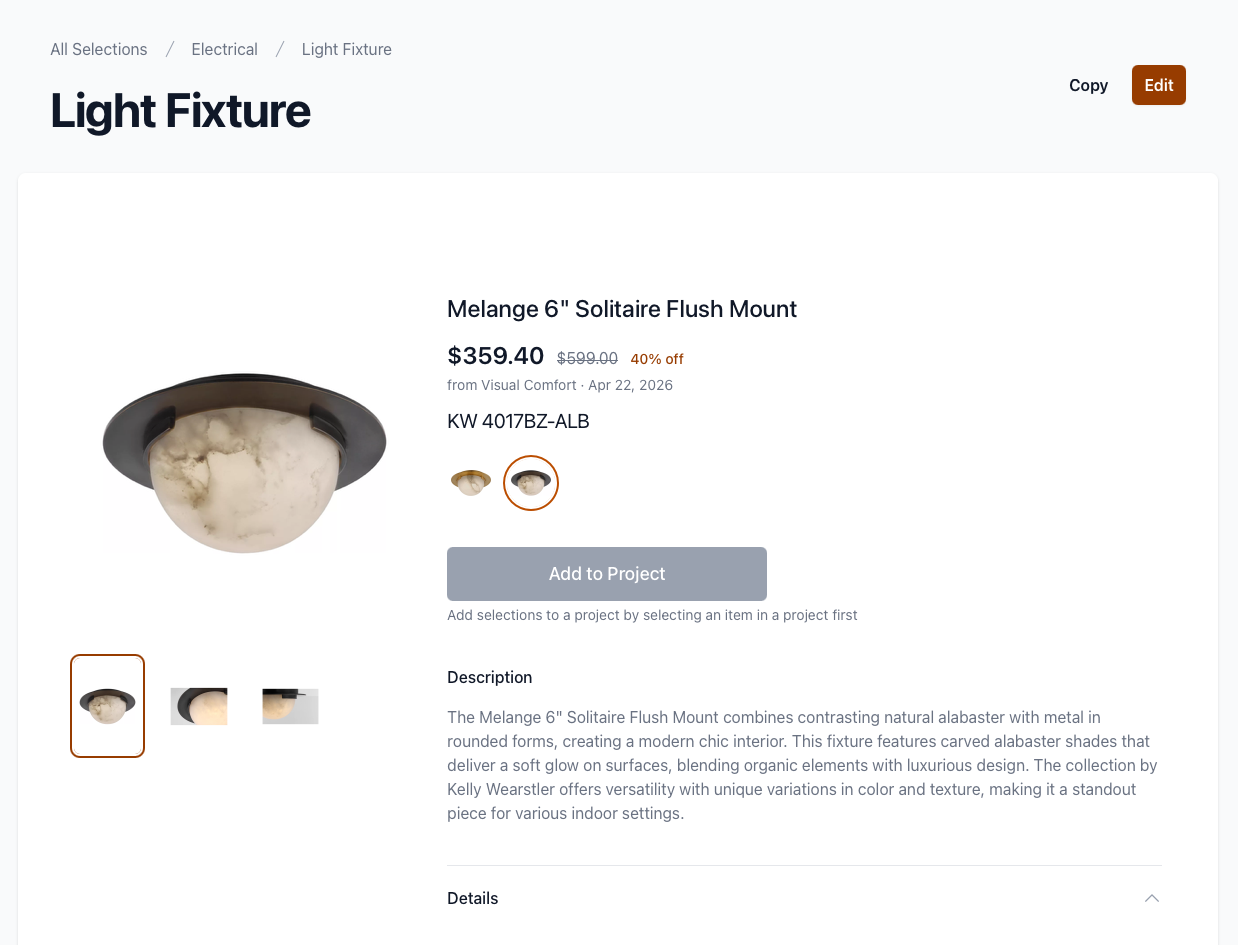
Pricing
Stop copying prices into spreadsheets.
Live pricing pulls in automatically, your trade discounts apply themselves, and every change gets logged. You always know what something used to cost, and what it costs now.
- Trade discounts, automatic.
- Set your discount rate per supplier once. Every selection from that supplier shows your real cost, not retail.
- Price history per selection.
- Every price update gets logged. See what something cost when the client approved it, and what it costs today.
- Live prices from any supplier.
- Re-check pricing on demand or compare what different suppliers charge for the same item. No chasing email quotes.
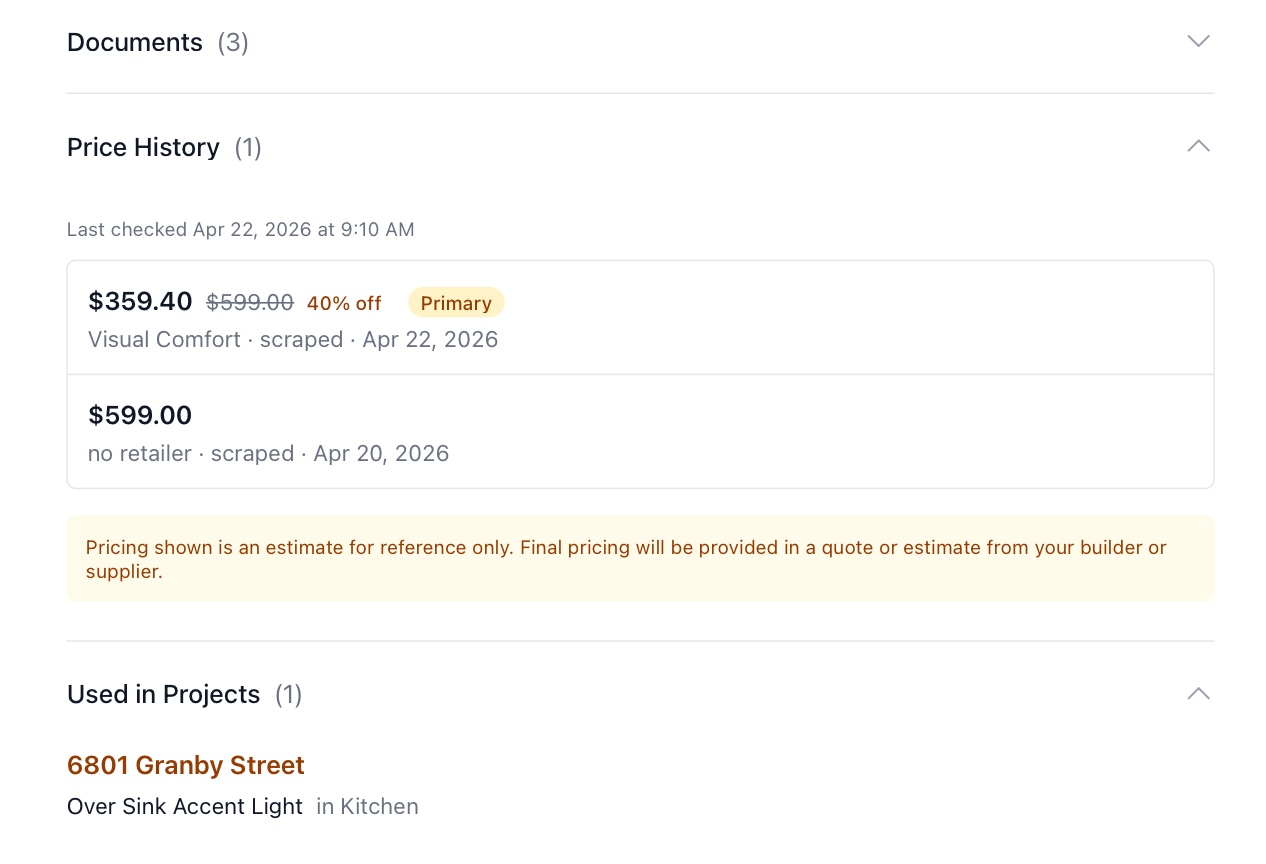
Quality Control
Catch duplicates before they ship
AI watches your library for accidental duplicates and product variants. It helps you decide what to merge, what to flag as a variant, and what to keep separate.
- Inline duplicate warnings.
- When a new selection looks like one you already have, you see it on the page with a side-by-side compare.
- Duplicates dashboard.
- Triage every potential duplicate from one screen. Merge, dismiss, or mark as a variant. Your library stays clean.
- Suggested variants.
- AI surfaces alternative finishes and sizes you've already collected, so swapping a brushed nickel for matte black takes a click.
Inspiration & Specs
From mood board to spec sheet
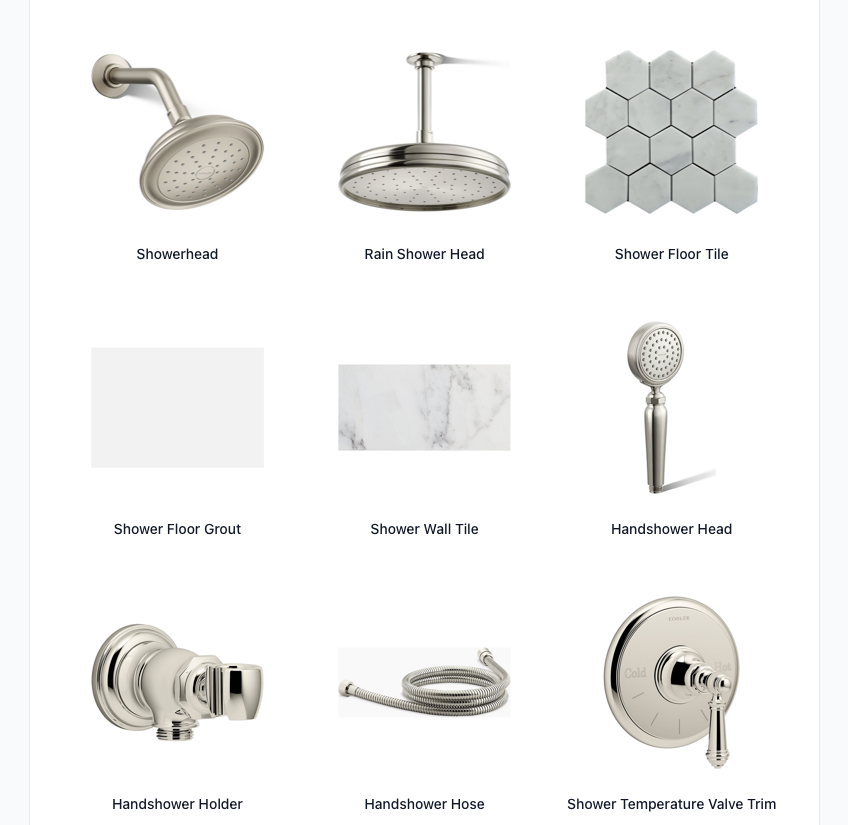
Save inspiration to the rooms it belongs in. Build mood boards from your selections. Generate spec packages when it's time to build.
- Inspiration per room.
- Save reference images to the room they belong in. Browse them later when you're making selections for that space.
- Visual mood boards.
- Group your selections into a single view to share the design direction at any project stage.
- Spec packages on demand.
- Compile every approved selection into a print-ready spec package, perfect for handoff to trades and client records.
Stop building luxury homes
from messy spreadsheets.
Fixture and Finish is the opinionated selections tool built by custom home builders, for custom home builders. Get started today and bring order to your selections workflow.